

iM Security Surveillance
Android TV · Tablet · SmartphoneVideo surveillance for Android TV, tablet and smartphone: all IP cameras in a grid, in fullscreen and in groups.

iM Security Surveillance turns your Android TV box, tablet or smartphone into a surveillance monitor. Add IP cameras via RTSP and ONVIF and watch all of them at once – conveniently with the remote control or by touch.
Features
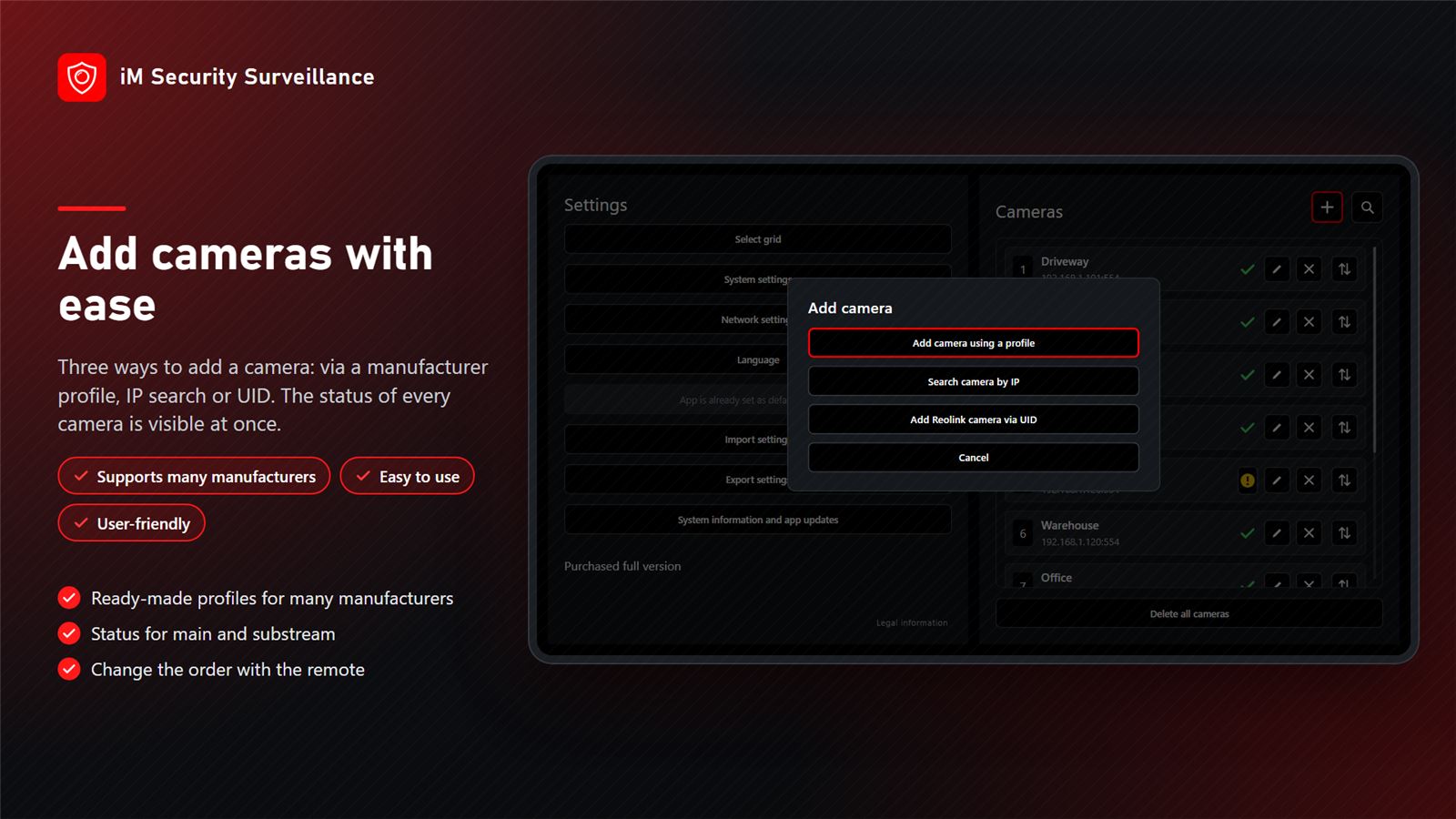
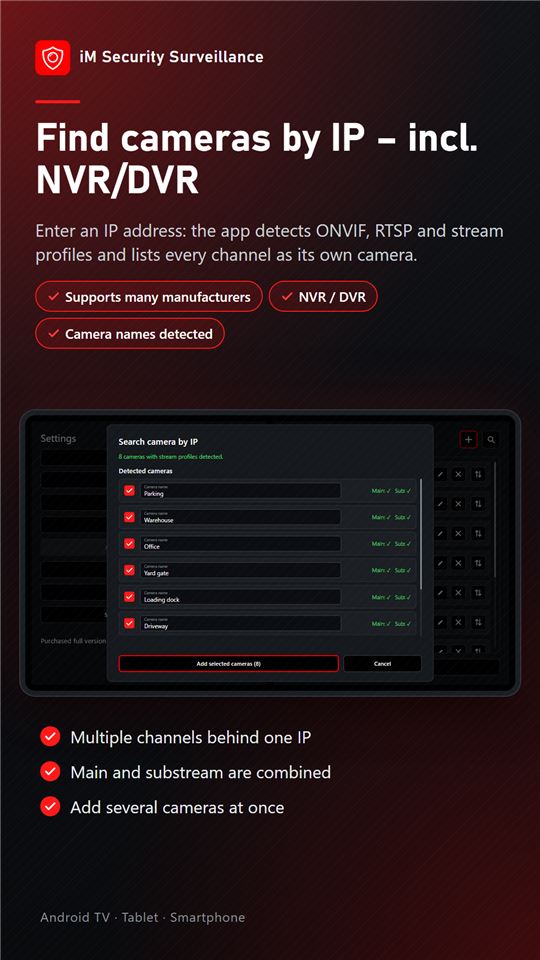
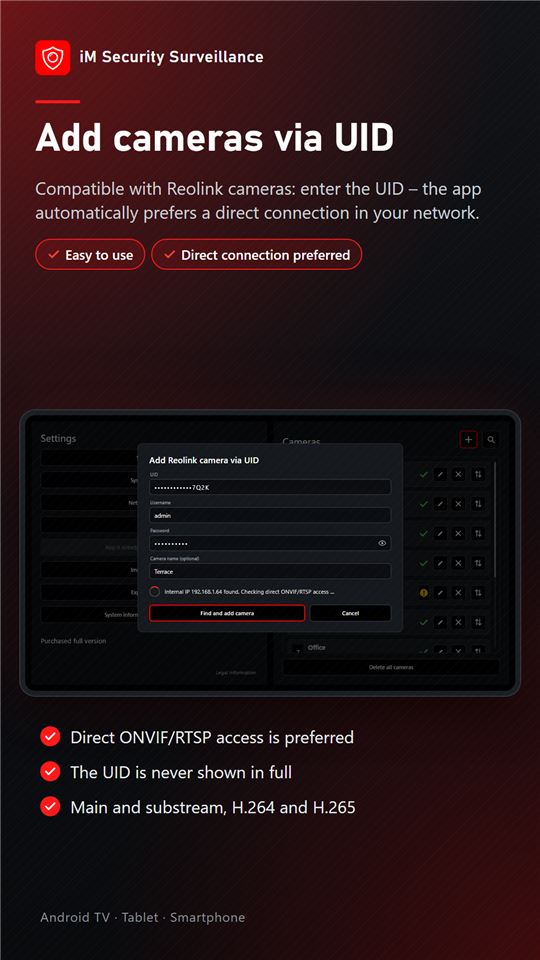
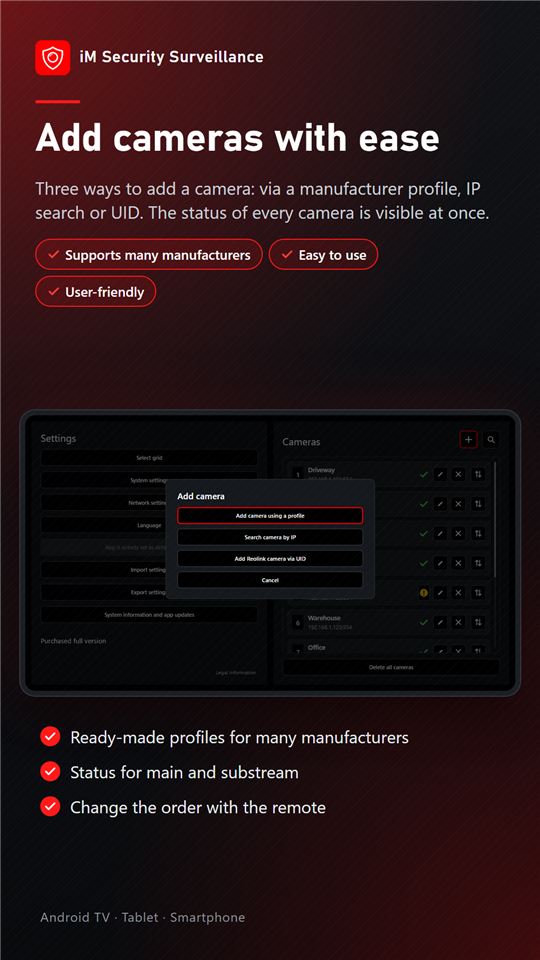
Add cameras easily
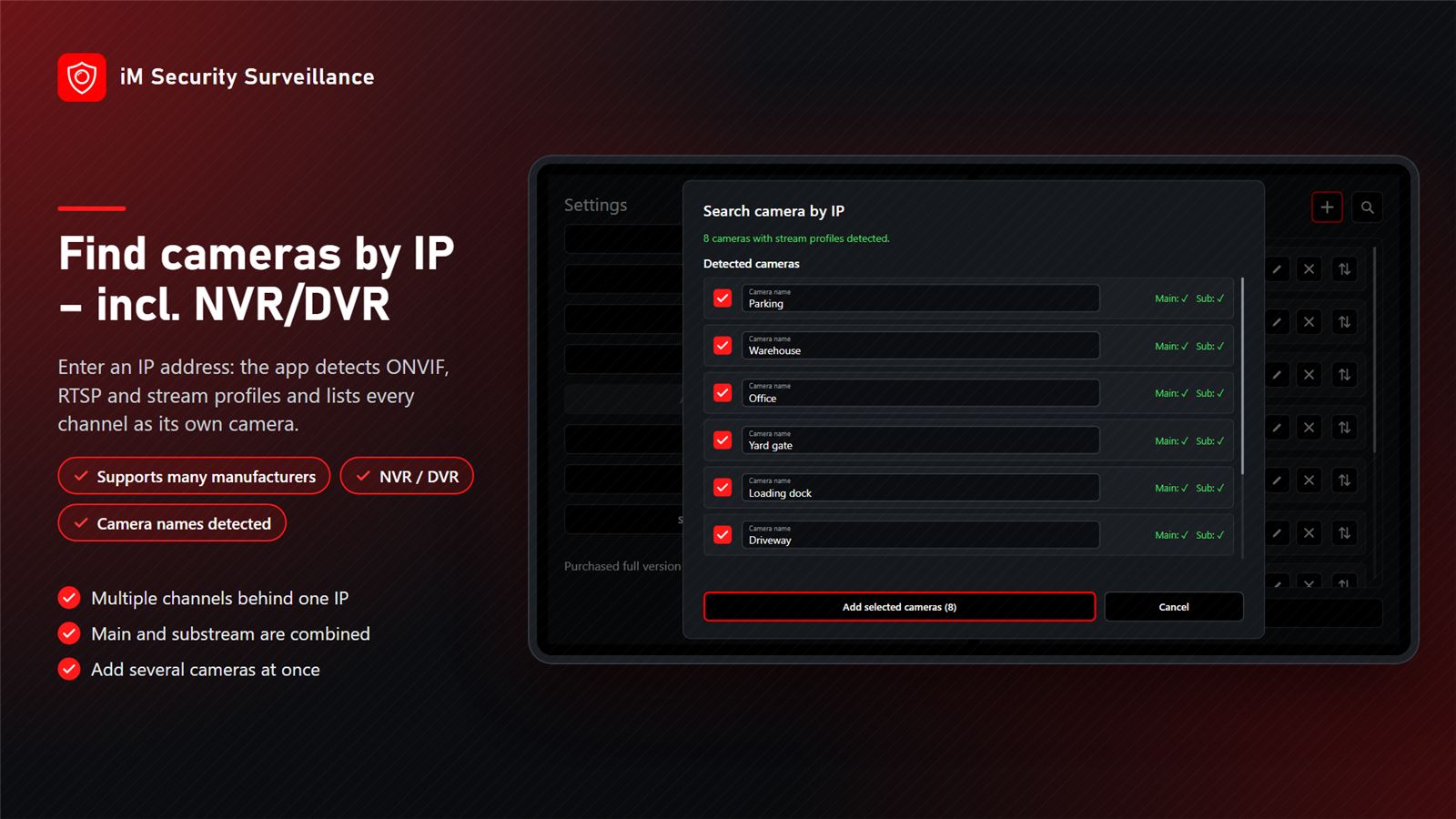
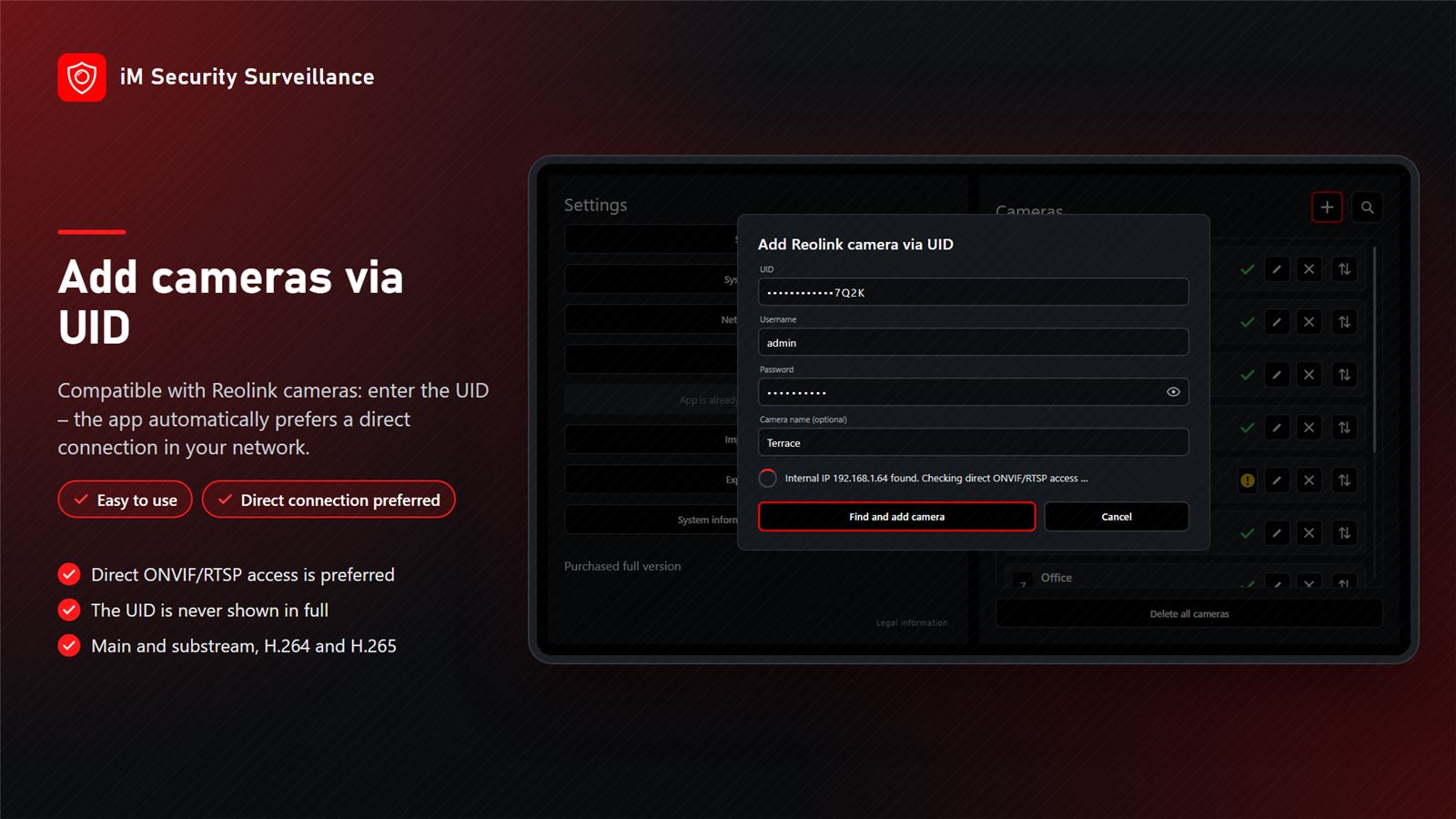
All cameras with RTSP or ONVIF are supported: find them automatically with a network scan or add them directly via a fixed IP address. Ready-made camera profiles exist for many manufacturers, Reolink cameras also via UID – NVR/DVR with multiple channels included.
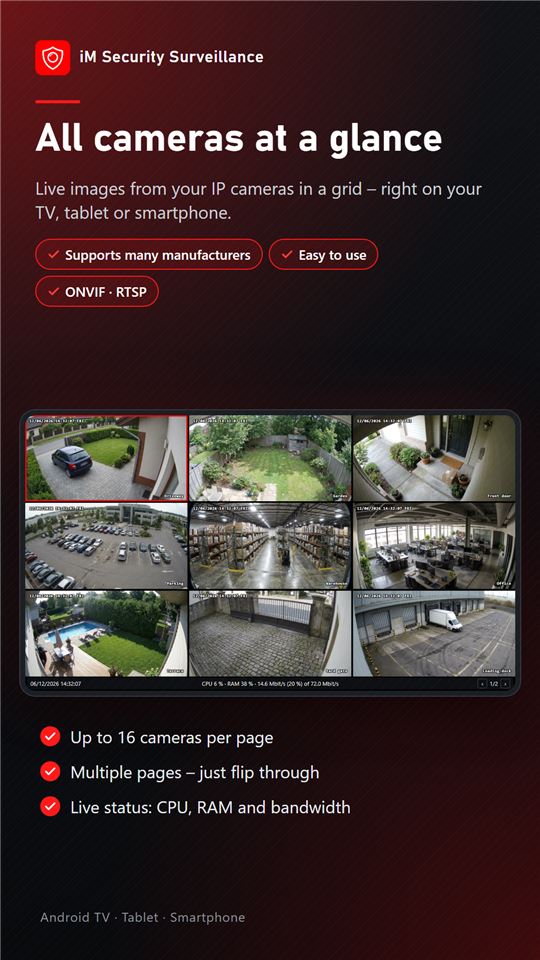
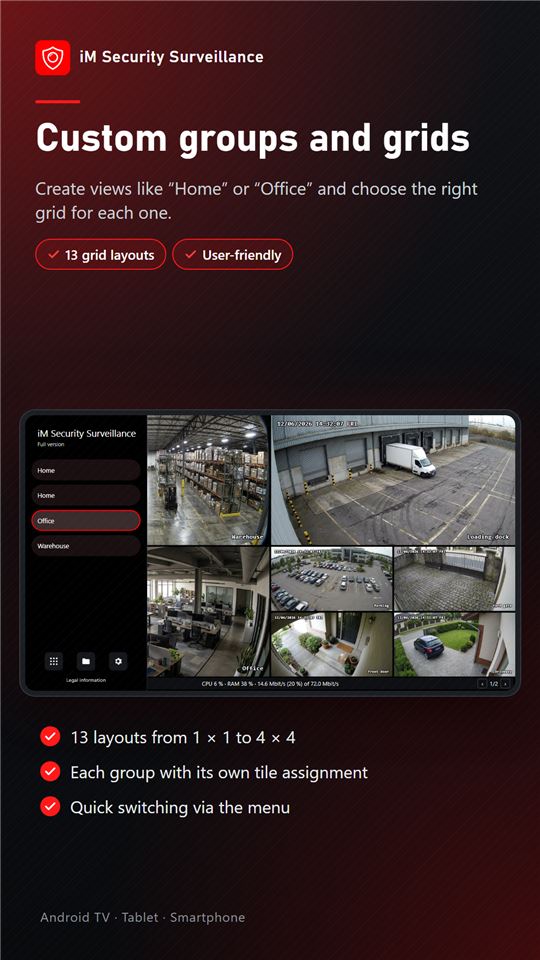
Camera grid
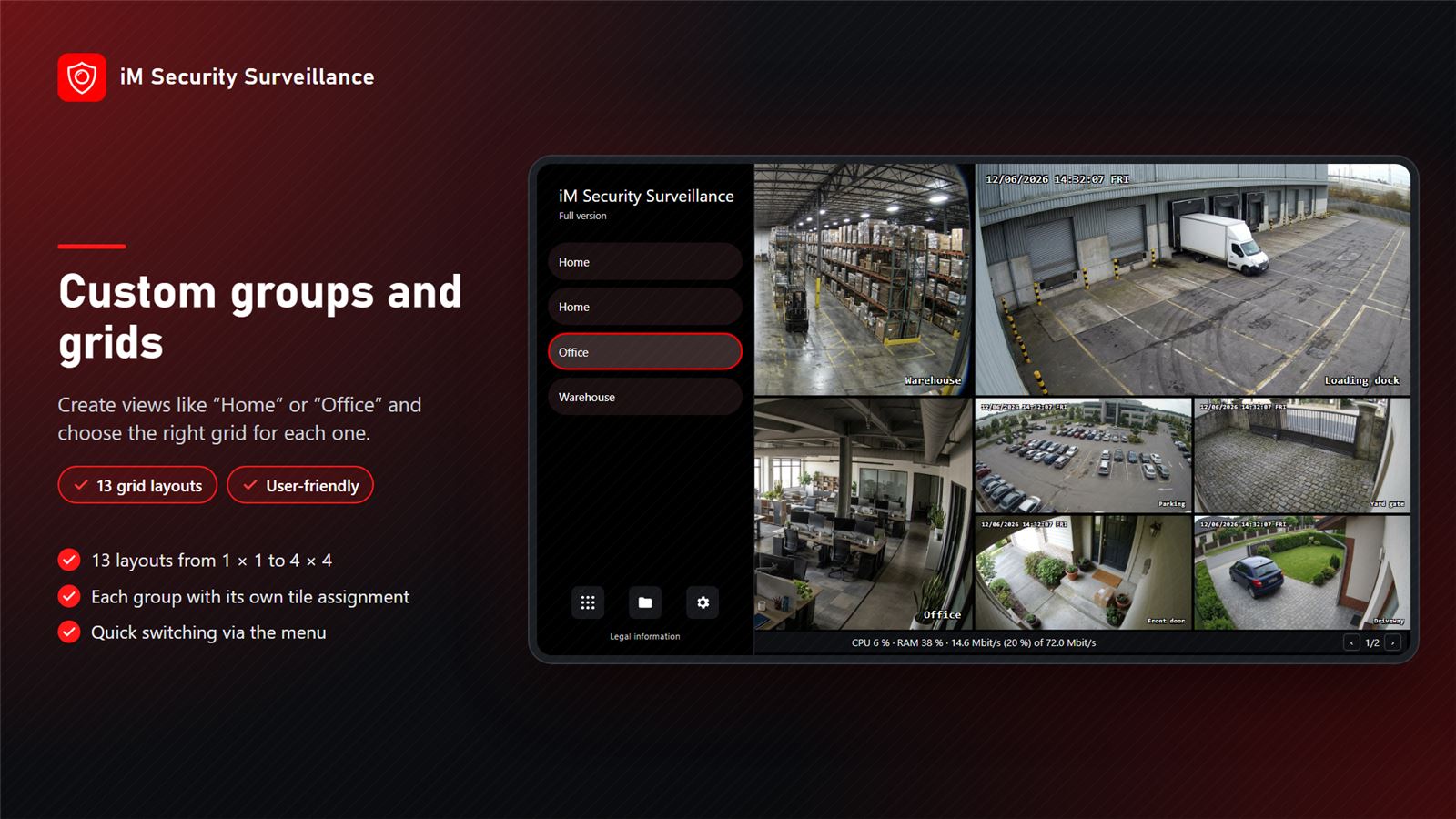
Freely selectable layout with up to 16 cameras per page, several pages to browse.
Custom groups
Combine cameras into groups, e.g. “Outdoor”, “Warehouse” or “Office”.
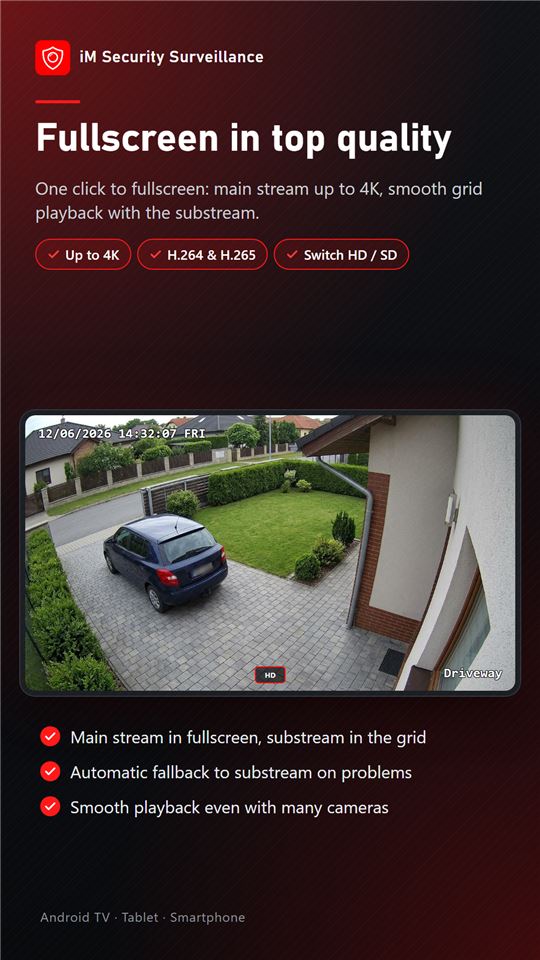
Fullscreen in best quality
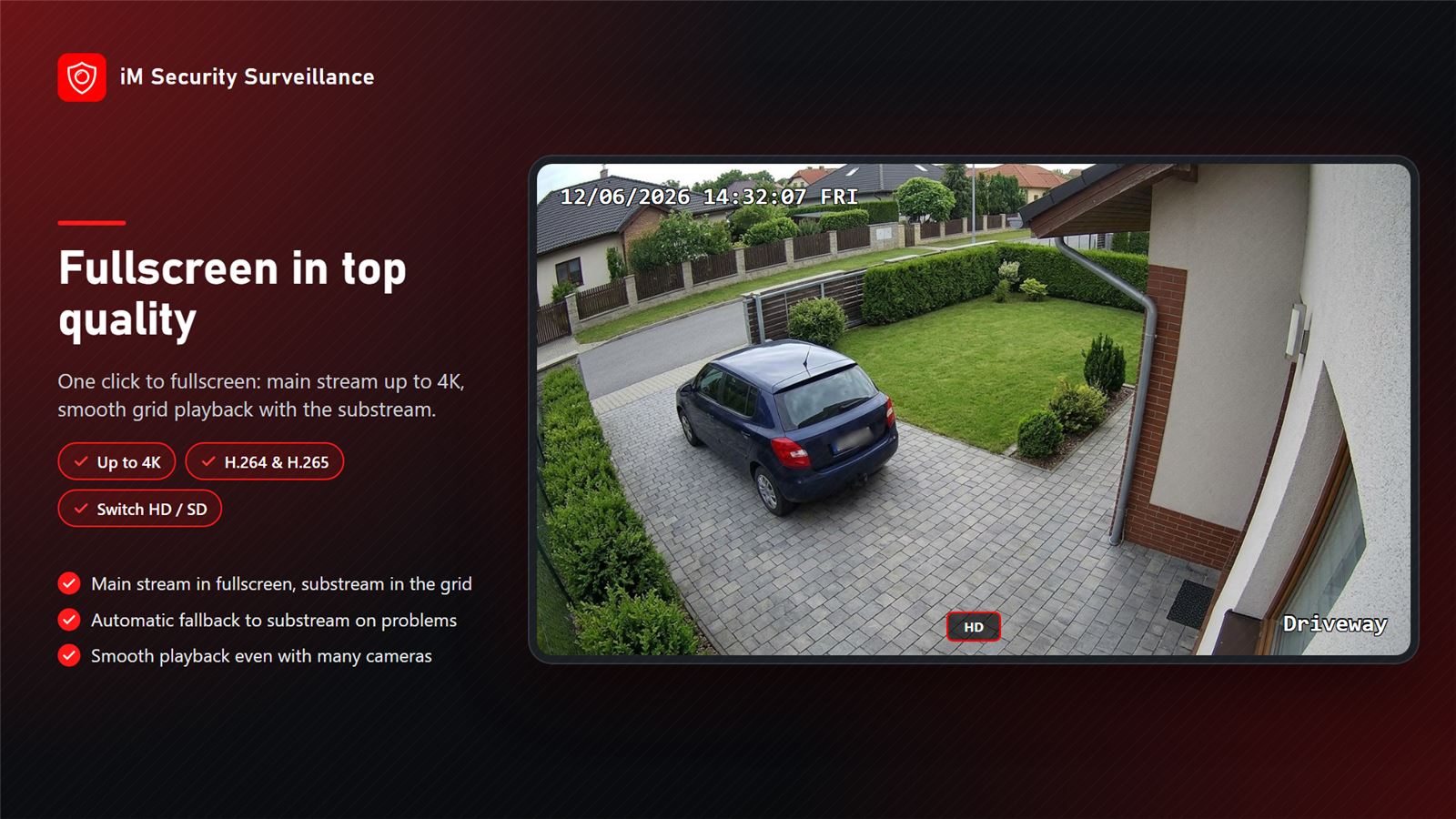
Main stream in fullscreen, sub stream in the grid – for smooth playback.
H.264 and H.265 up to 4K
Modern video formats including H.265/HEVC up to 4K resolution.
Remote control and touch
Fully operable with the TV remote, by touch on tablet and smartphone.
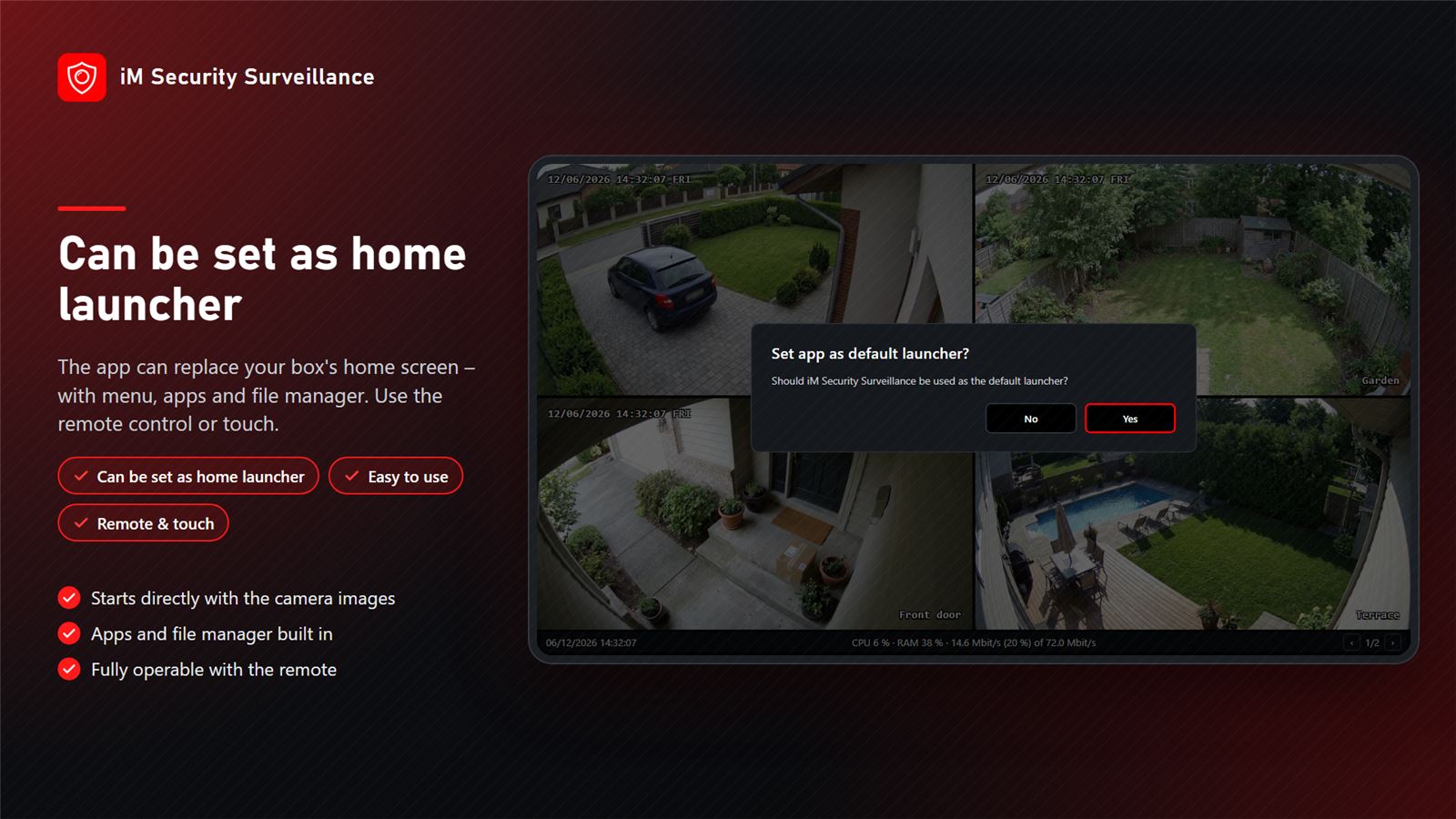
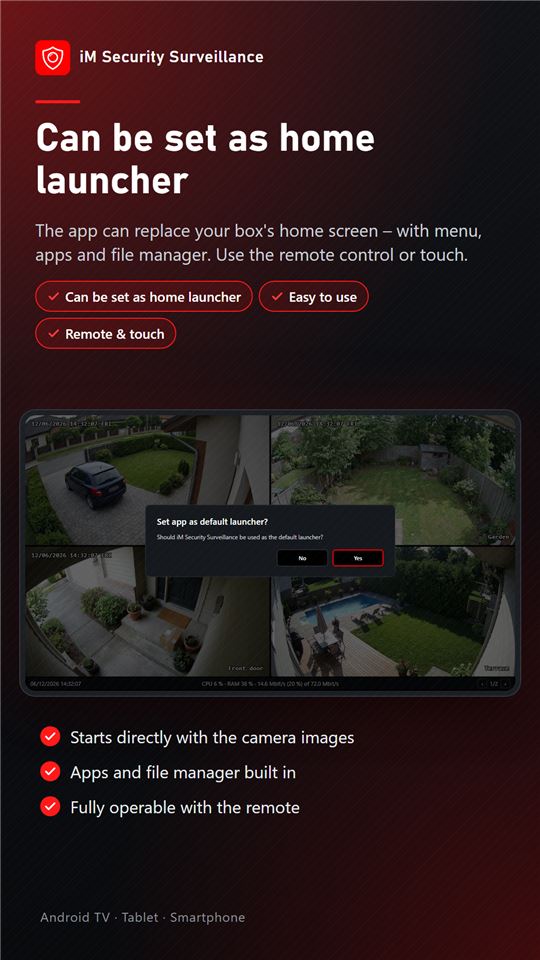
Launcher function
Optionally the home screen of the box – ideal for dedicated surveillance monitors.
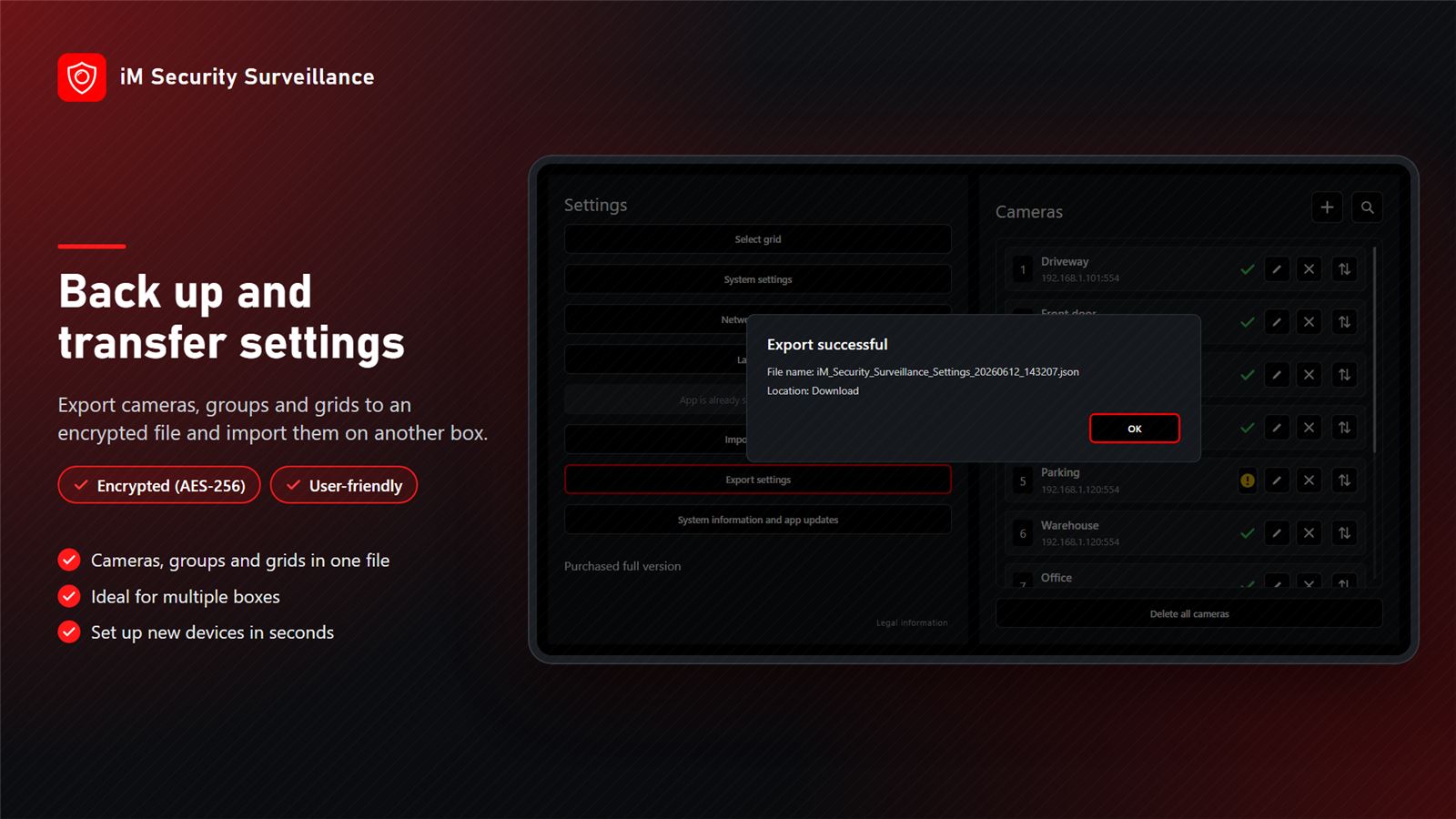
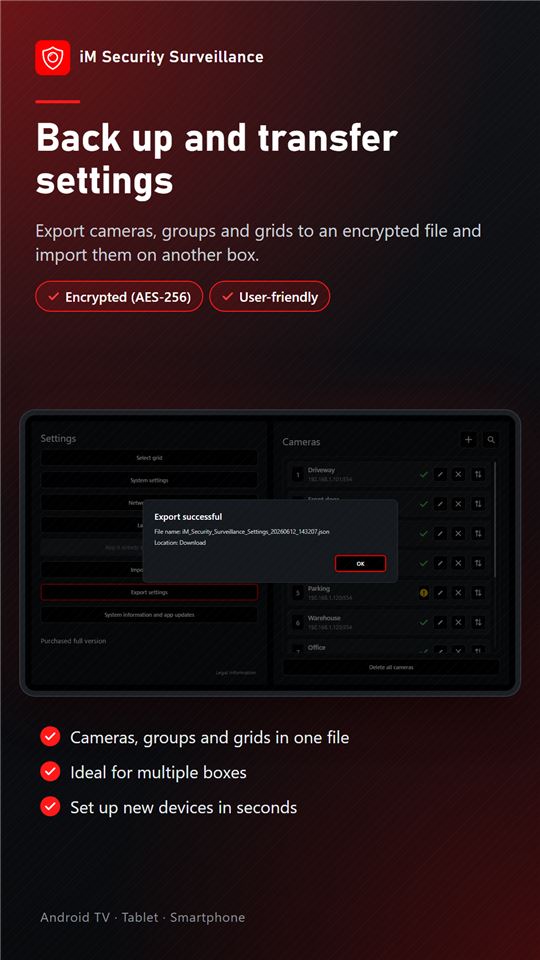
Export and import
Back up settings and transfer them to other devices; plus system info (CPU, RAM, storage, network).
Screenshots
Trial and licence
All features are available free of charge for 5 days. Afterwards you buy a licence for 6, 12 or 24 months or a lifetime licence in the app – no subscription, no automatic renewal.
Requirements
At least one compatible IP camera (RTSP/ONVIF) on your network and a device running Android TV or Android.
Changed device?
Transfer a purchased licence to the new device in the app under “Buy full version” → “Restore purchased licence”.
How to install the app
- 1DownloadTap “Download” – the APK file is saved on your device.
- 2Allow installationThe first time, allow “Install unknown apps” for your browser or file manager.
- 3InstallOpen the file and confirm the installation.
- 4Stay up to dateYou will always find the latest version on this page.
We will be happy to make you an individual offer
Contact us by phone, via WhatsApp or send us an e-mail. An experienced member of our team will be glad to advise you.
Go to the contact form