

MultimediaBox
Android TV · Tablet · SmartphoneIPTV, programme guide and media library in one app – for Android TV, tablet and smartphone.

The MultimediaBox app brings TV and entertainment to your device: live TV with a clear channel list, electronic programme guide and a media library with films and series – operated with the remote control or by touch.
Features
Start page
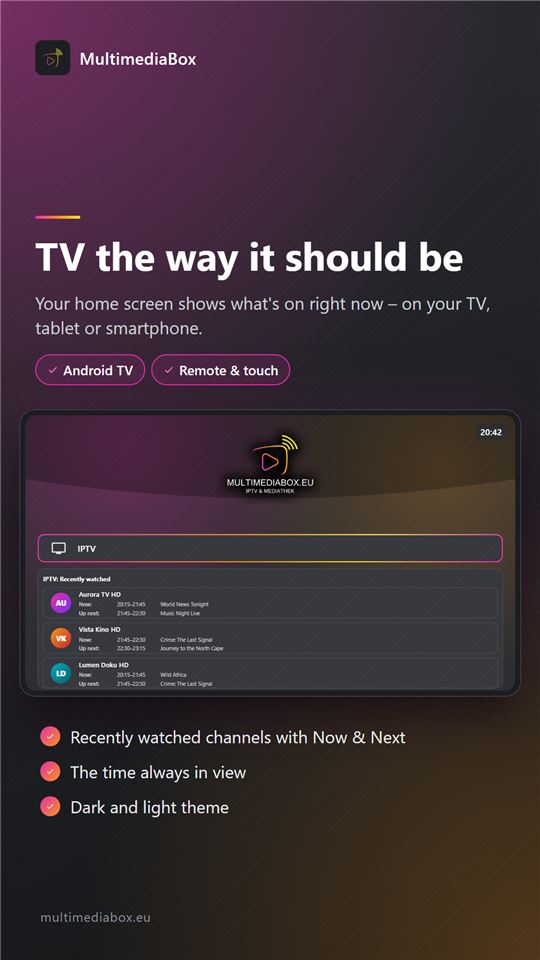
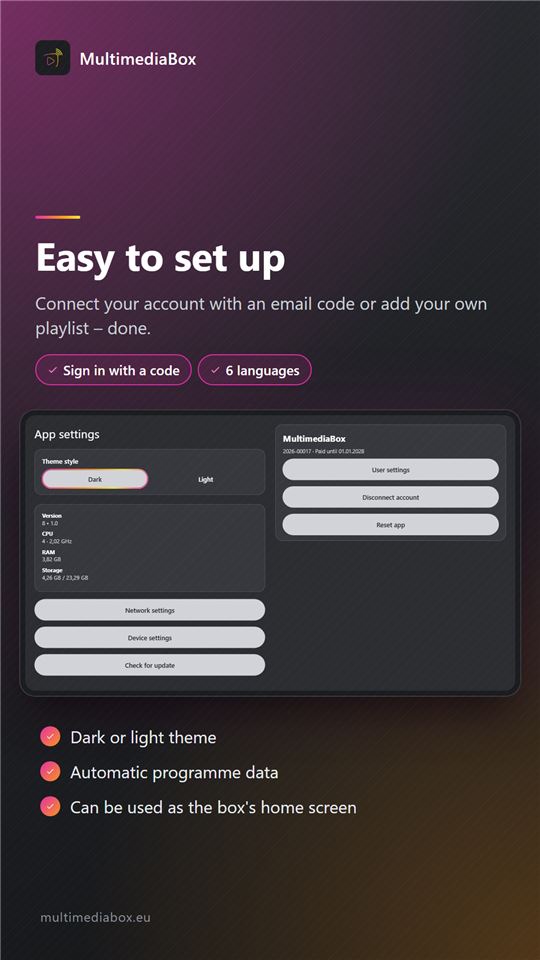
Recently watched channels with now & next, the time always in view – in a dark or light theme.
Channel list
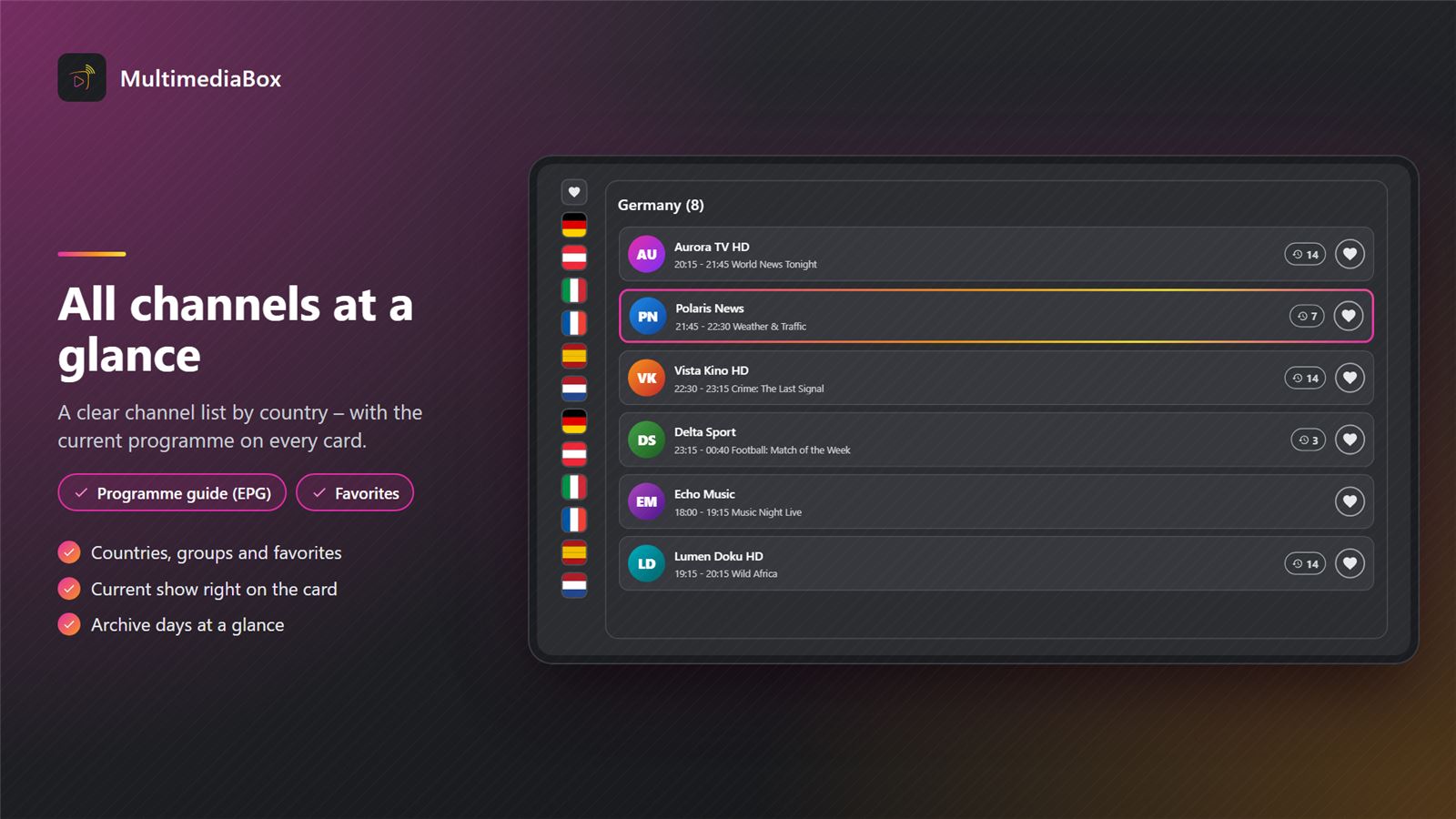
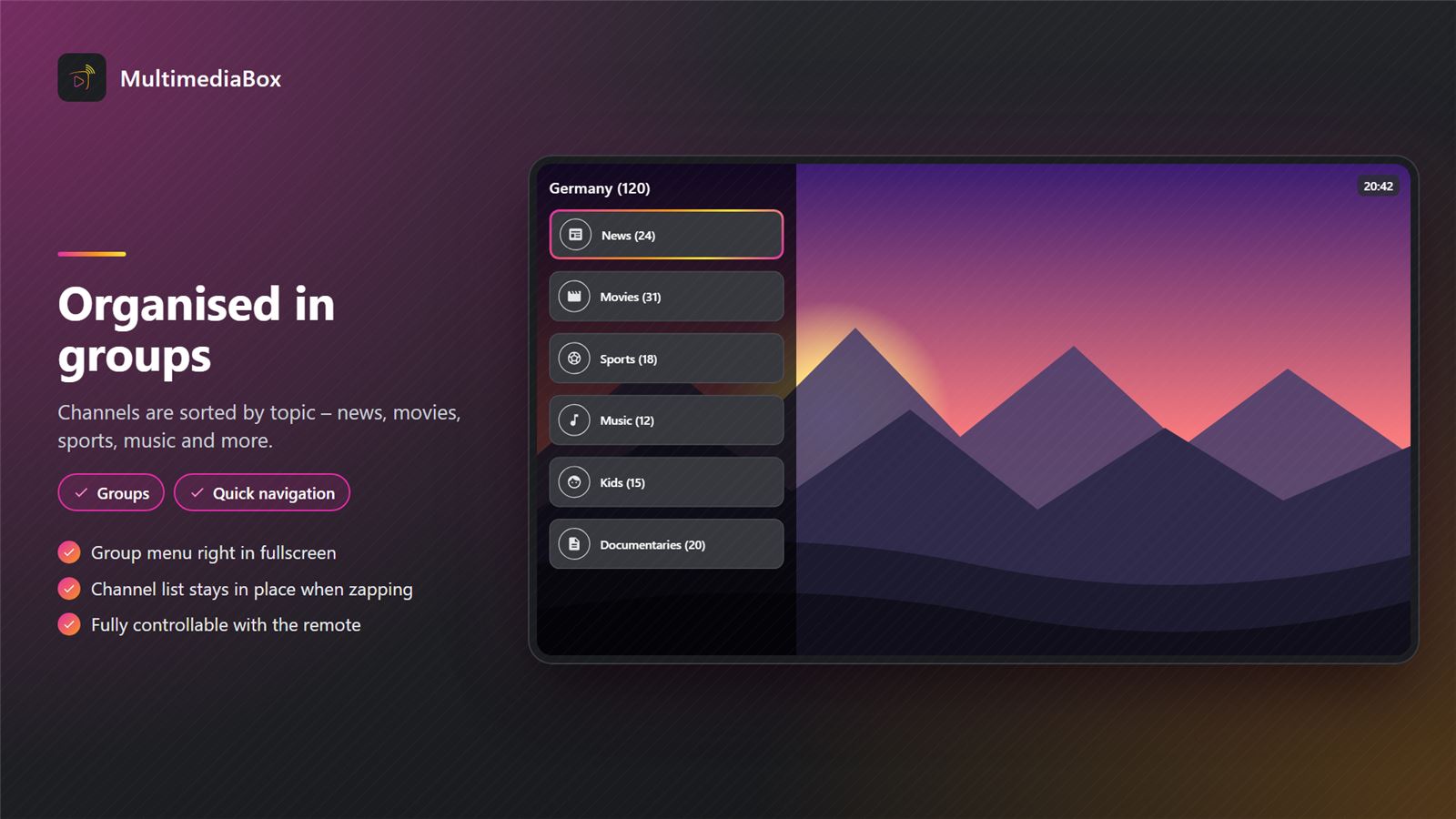
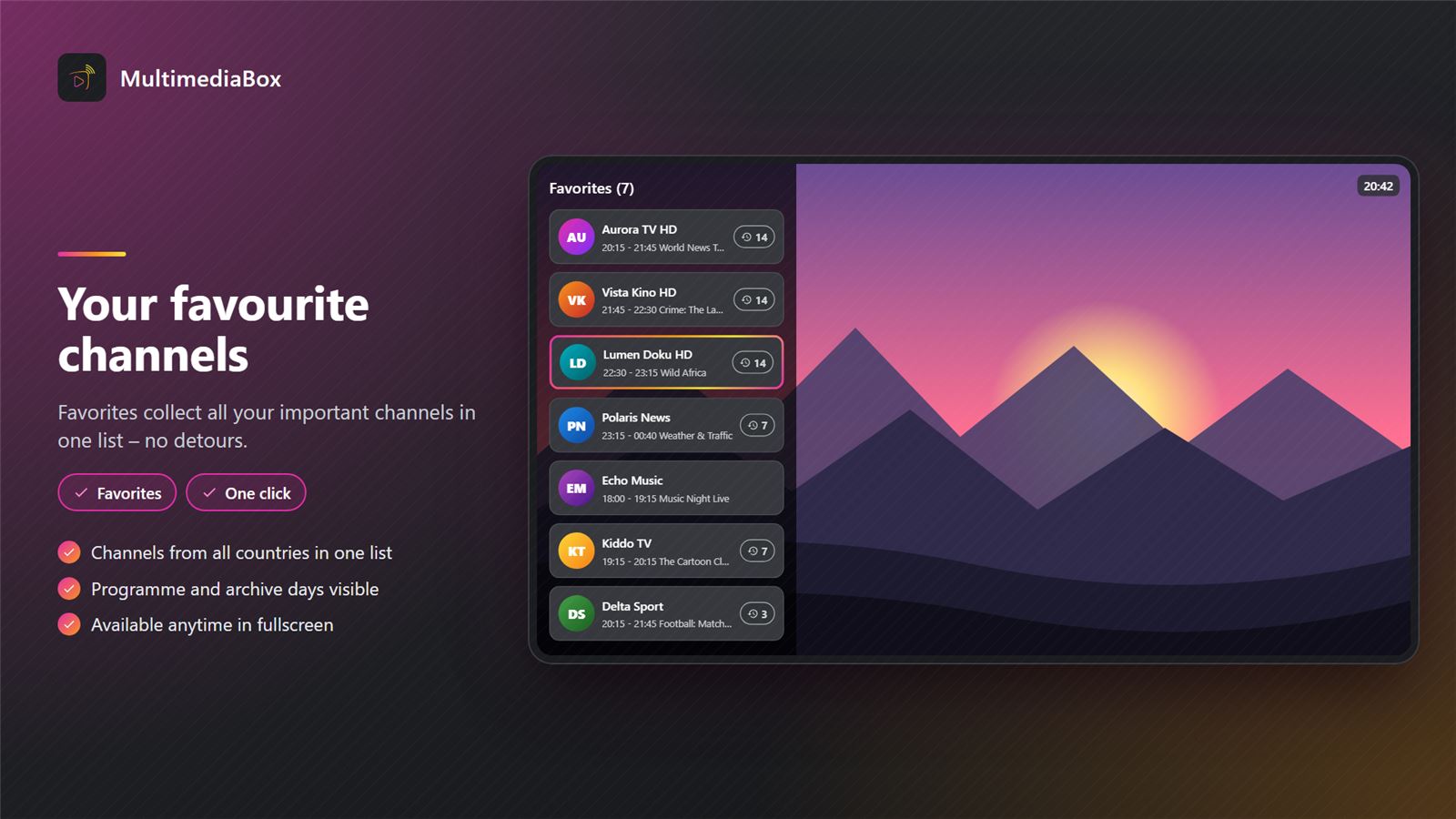
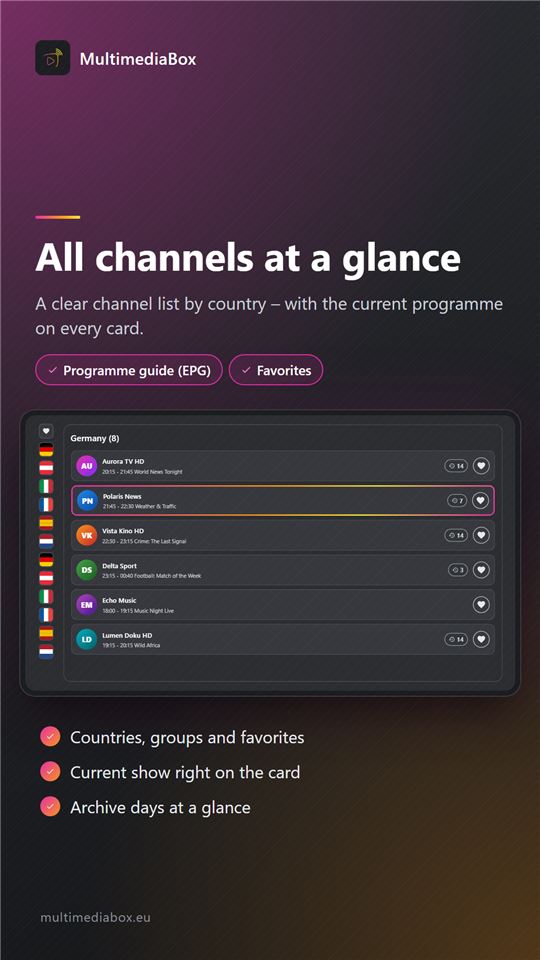
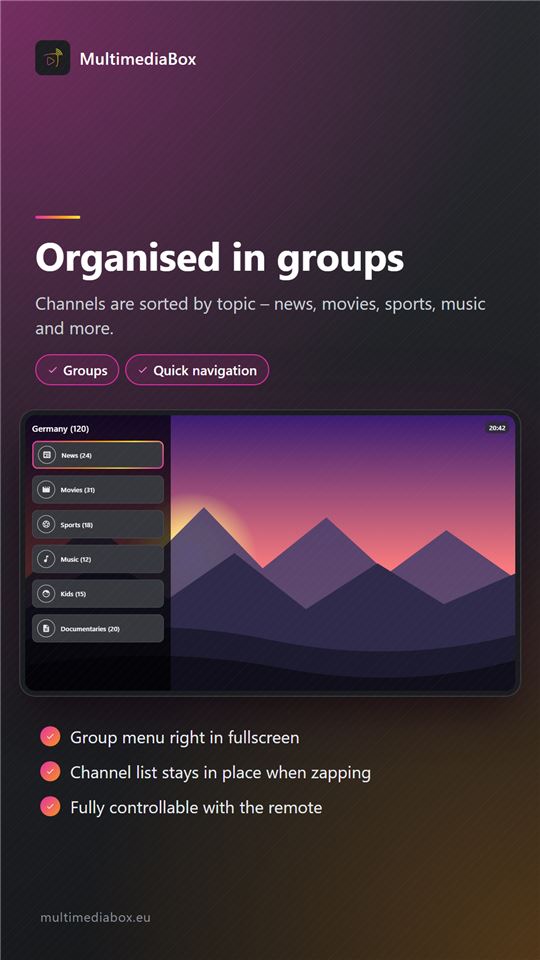
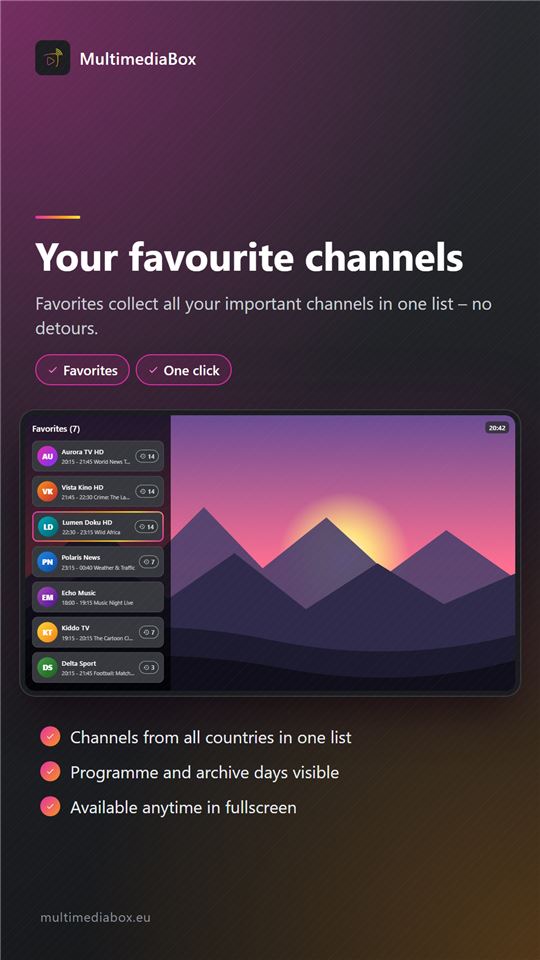
Channels by country, groups and favorites – with the current and next show on every channel card.
Programme guide & archive
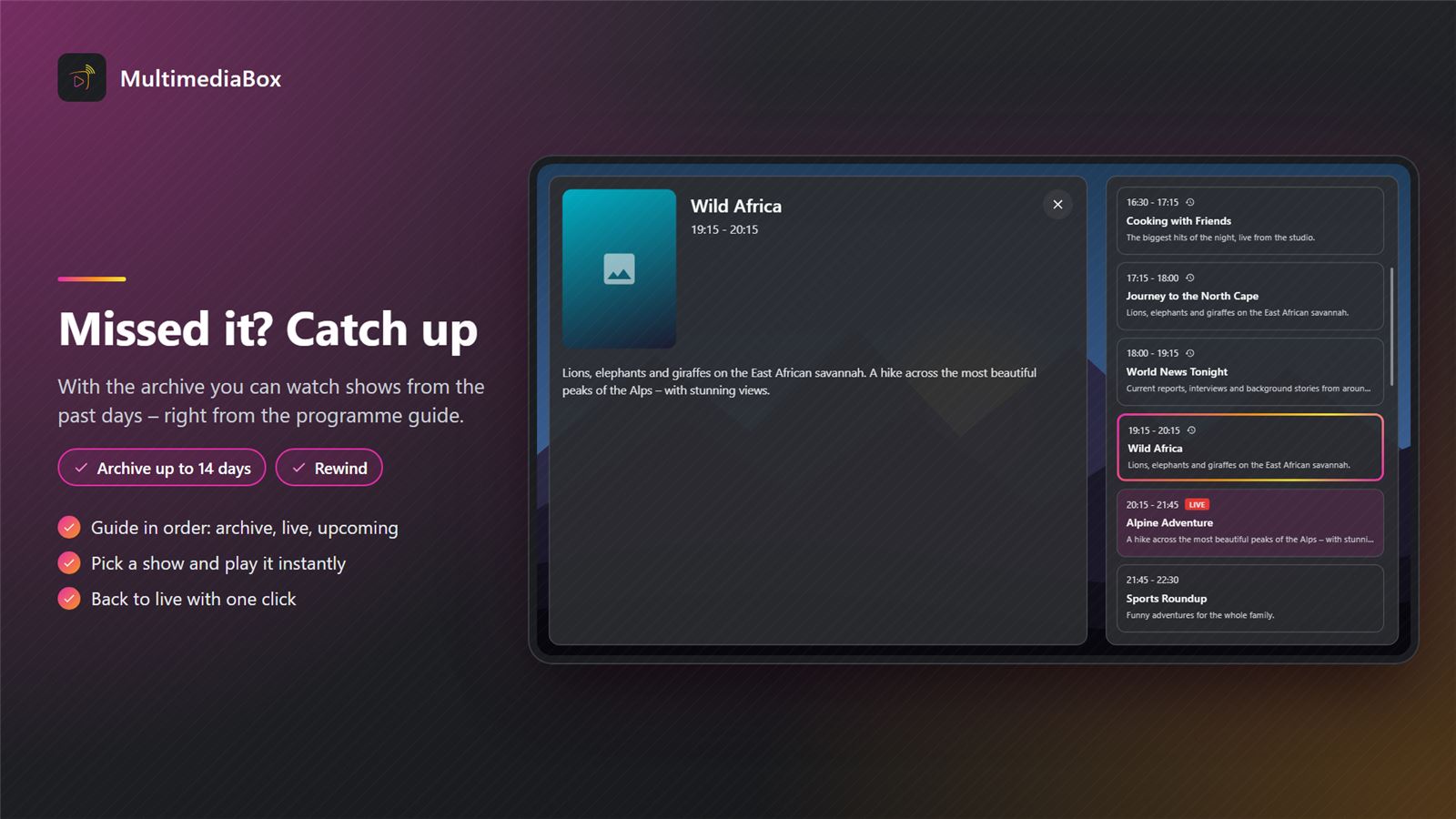
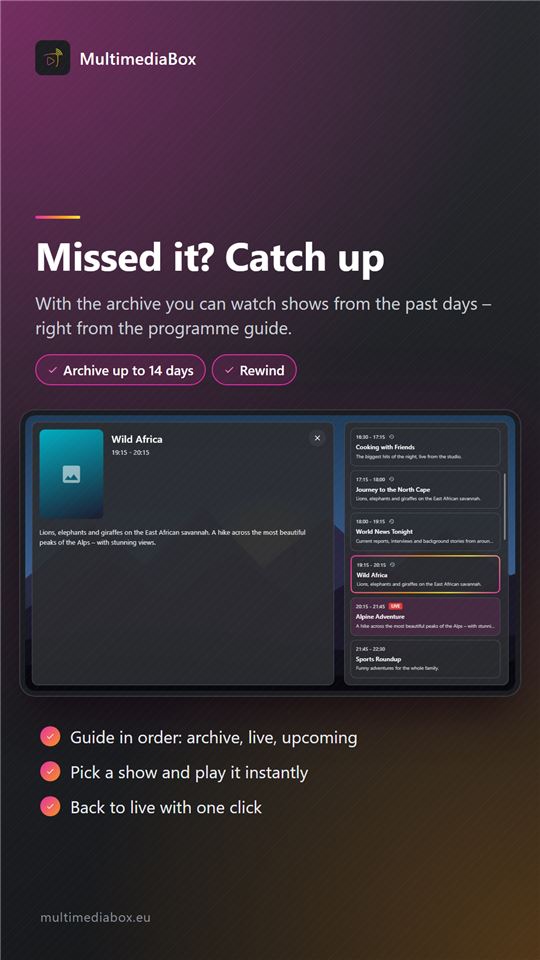
Every channel's programme at a glance; catch up on missed shows from the past days (if supported by your provider).
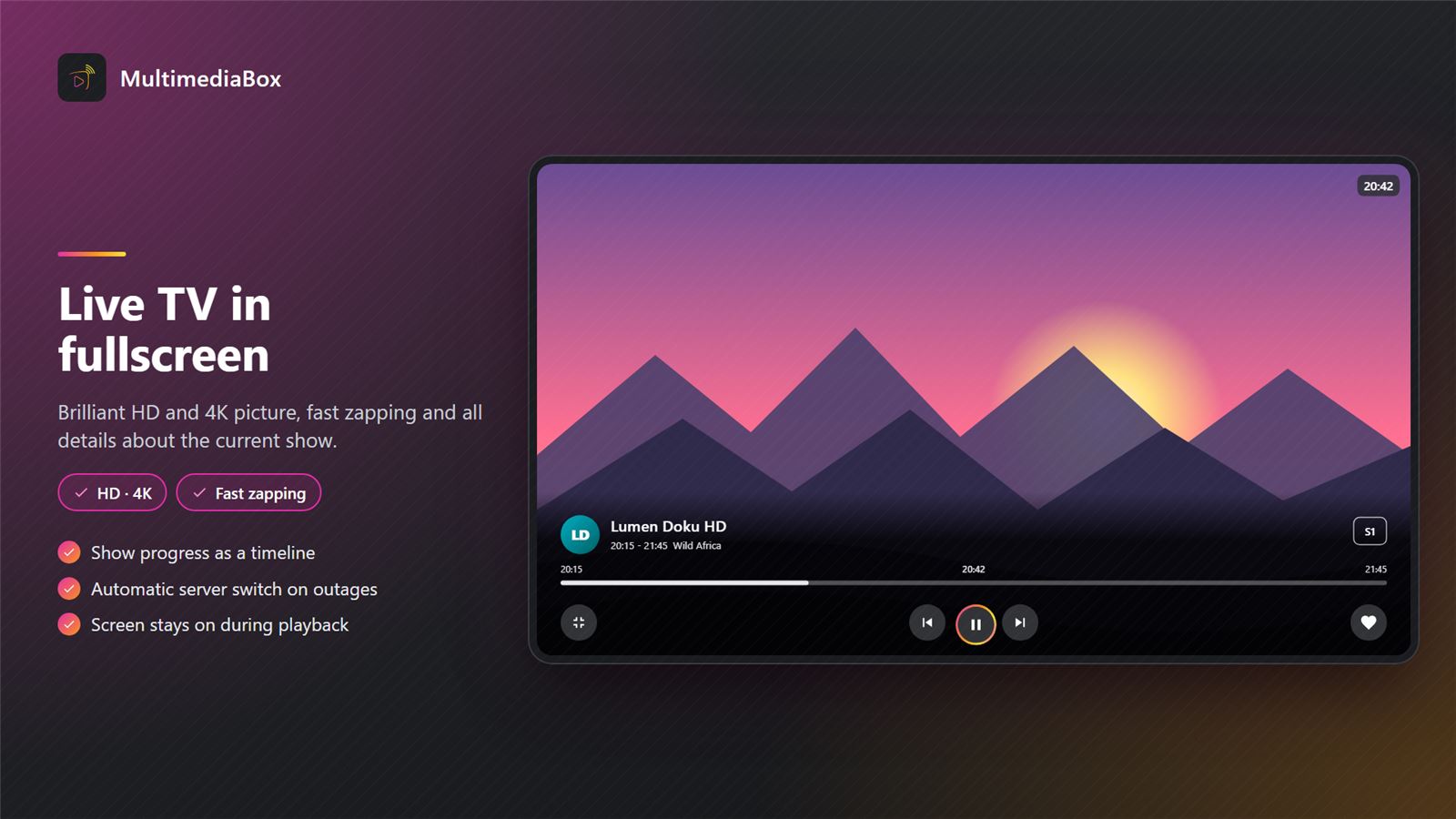
Fullscreen in HD and 4K
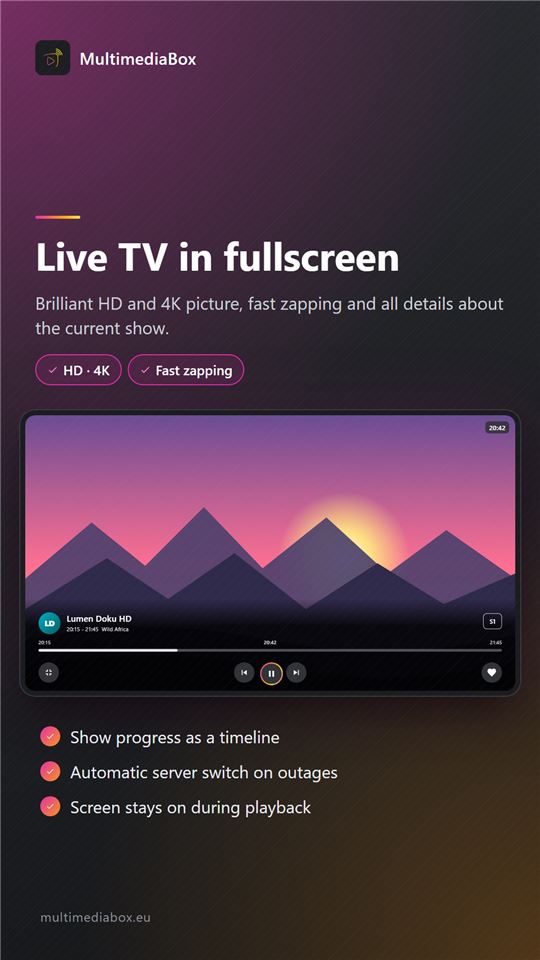
Fast zapping in fullscreen; on outages the app switches to a backup server automatically.
Media library
Films and series with their own player, trailers included.
File manager
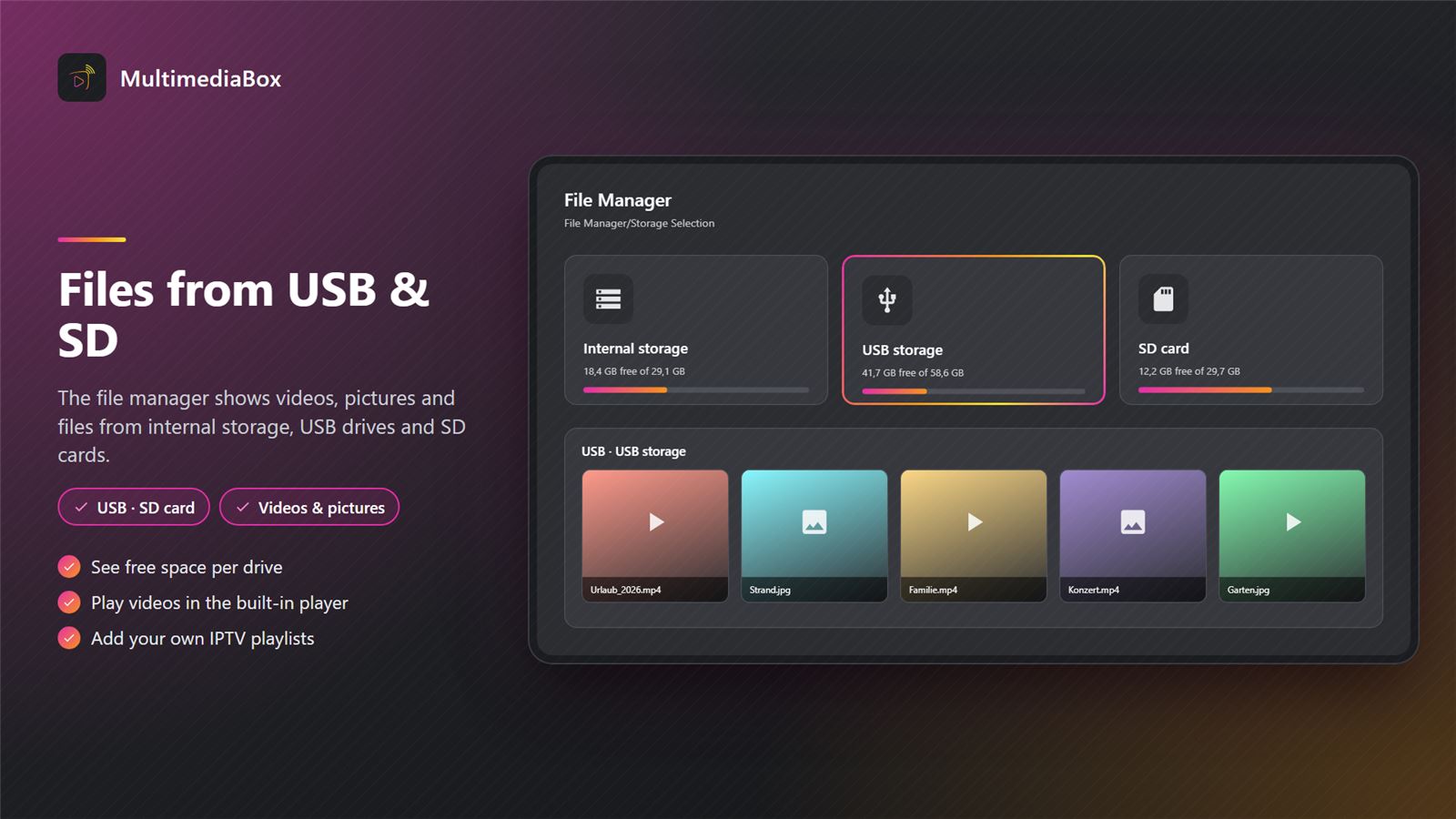
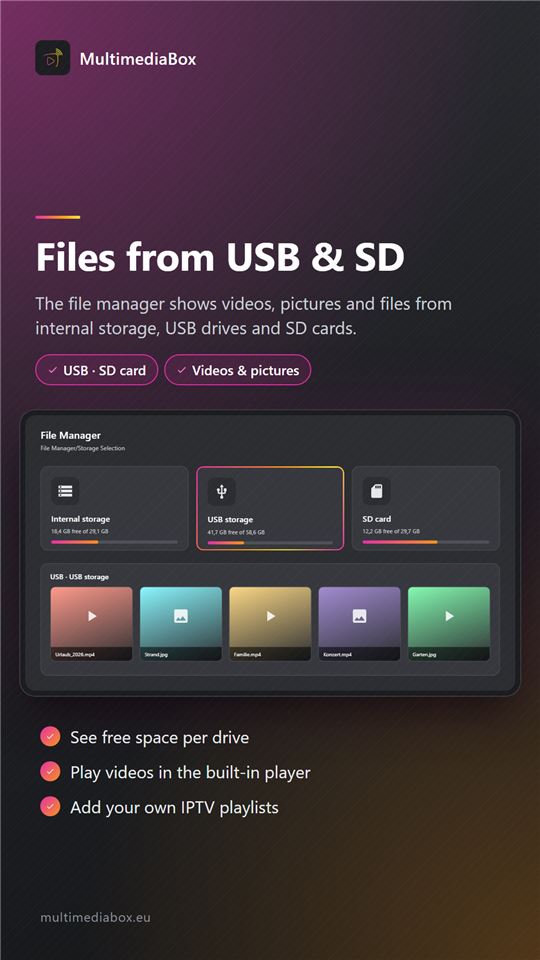
Play your own videos from internal storage, USB drives or SD cards.
Remote control & touch
Fully operable with the remote control, by touch on tablet and smartphone.
Home screen
Optionally the home screen of the TV box, with access to all installed apps.
Screenshots
Access
Live TV and the media library require either an M3U8 playlist or an active MultimediaBox account, which you can get at multimediabox.eu.
Devices
Google TV, Android TV, TV boxes running Android, tablet and smartphone from Android 8.
How to install the app
- 1DownloadTap “Download” – the APK file is saved on your device.
- 2Allow installationThe first time, allow “Install unknown apps” for your browser or file manager.
- 3InstallOpen the file and confirm the installation.
- 4Stay up to dateYou will always find the latest version on this page.
We will be happy to make you an individual offer
Contact us by phone, via WhatsApp or send us an e-mail. An experienced member of our team will be glad to advise you.
Go to the contact form